Made for the Persian language

Persian captions and beat-synced edits, made EZ

Two Windows tools from 2Deshk for creators and editors. EZcaption makes Persian captions fully offline on your own PC, and EZedit turns your clips and a song into a beat-synced timeline in DaVinci Resolve.

  • 6 caption styles
  • Fast mode, about 3× faster
  • DaVinci Resolve Studio plugin
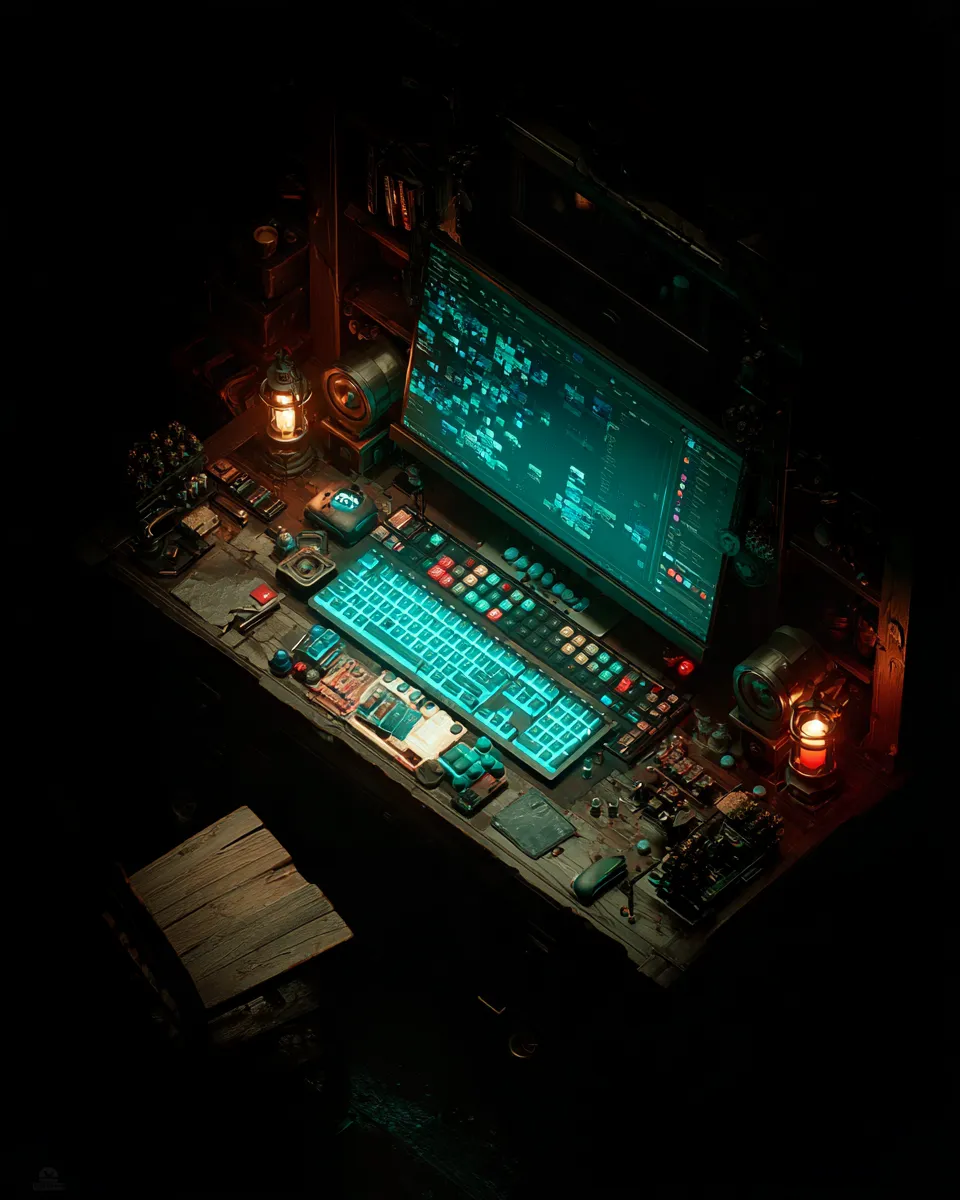
A dim editing desk lit by a glowing turquoise keyboard and monitor

زیرنویسفارسی،دقیقوخودکار

Products

Two tools, one simpler workflow

Each one automates a slow, repetitive part of making videos.

EZcaption

Coming soon

Automatic Persian captions, fully offline

A Windows app that turns the Persian speech in your video into word-timed captions, right on your own PC.

  • Whisper large-v3 in “accurate” mode, or large-v3-turbo in “fast” mode (about 3× faster)
  • Smart line-splitting that understands Persian punctuation and pauses, with correct RTL handling
  • 6 caption styles with size and position controls, plus line editing with a live preview
  • Export SRT, styled ASS, or the video with captions burned in (NVENC when available)
Requirements
  • Windows
  • NVIDIA GPU (CUDA) optional — runs on the CPU otherwise
Coming soon — EZcaption
Learn more — EZcaption

EZedit

Beta 0.9.15

Beat-synced auto editing for DaVinci Resolve

A DaVinci Resolve Studio plugin: select clips, pick a song, press Make, and get a beat-synced Reels/Shorts timeline.

  • Cuts land on beats and downbeats, and cut density follows the music’s energy
  • Music search including Radio Javan and Navahang catalogs, Persian/Finglish search and mood, energy and genre filters — or your own song, cut to its best part
  • Understands briefs written in Persian, Finglish or English, offline
  • Normal, SpeedRamp, Slow Motion, Zoom and Mixed styles, Flash Cut transitions, SFX and platform export presets
Requirements
  • Windows
  • DaVinci Resolve Studio 21.1 or later

Why EZ

Made for Persian, running on your PC

EZ is designed around the Persian language and the way Iranian creators work.

  • Local and offline

    EZcaption does all of its processing on your own PC, so your footage never leaves it. EZedit understands your brief offline, too.

  • Made for Persian

    Line-splitting that understands Persian punctuation, correct RTL, briefs in Persian or Finglish, and the Radio Javan and Navahang music catalogs.

  • Fast

    EZcaption’s fast mode is about 3× faster and uses your NVIDIA GPU when one is present. In EZedit, you just press Make.

Download

Get started

Free, direct downloads. You can verify the file’s SHA256 hash before installing.

EZedit

Beat-synced auto editing for DaVinci Resolve

  • Version0.9.15Beta
  • Size≈ 89 MB
  • Windows · DaVinci Resolve Studio 21.1 or later
SHA256
3BAB040758425E5663D9F7AFD434976B8EE7353BD72F5AF8407AE747F10783F6

After downloading, compare the file’s SHA256 hash with this value.

The beta is activated with a license key.

EZcaption

Automatic Persian captions, fully offline

Coming soon — EZcaption
  • Windows

The installer has not been released yet.

All downloads and requirements